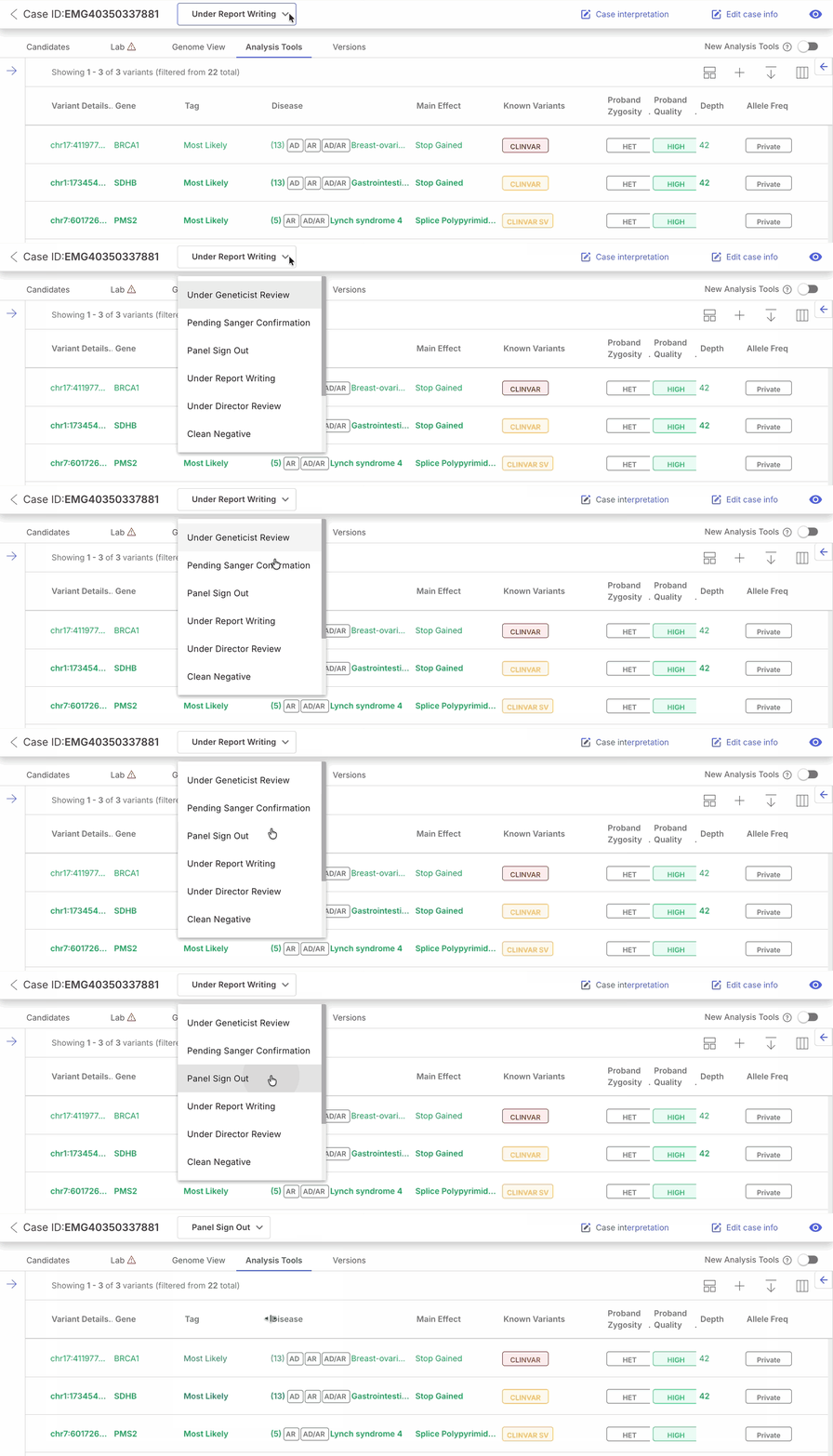
| Case status | Overview of case status behavior, history, and related workflows. | :up-right-from-square: Learn more |
| Case statuses in a case lifecycle | Review status transitions, control types, and the reference status list. | :up-right-from-square: Learn more |
| Case progress indicator (v100.40.0+) | Understand progress indicator states for cases in processing or failure states. | :up-right-from-square: Learn more |
| Case status management | Create custom statuses and reorder them for your organization. | :up-right-from-square: Learn more |