
.png?alt=media) ): Appears next to data sourced from **Curate**.
* **Curate pathogenicity badge:** A color-coded badge that identifies variant pathogenicity sourced from **Curate**.
## Prerequisites
For **Curate** annotations to appear in a case, the variant or gene must:
* Have a record in your organization’s **Curate** database. Network-only variants do not display **Curate** annotations in **Analyze** unless [imported](/emedgene/emedgene-curate-manual/curate_variants/curate_variant_page/network-summary-card.md#how-to-import-a-network-only-variant).
* Be a [supported type](/emedgene/emedgene-curate-manual/curate_variants.md#variants-supported-in-curate) for variants.
* Have an annotation-enabled curation status (v100.41.0+).
## Variant annotations
### Pathogenicity
Variant pathogenicity stored in **Curate** is displayed:
* In the **Known Variants** column of the **Variant table** (Fig. 1)
* On the **Variant page**:
* In the **Summary tab** (Fig. 2)
* In the **Clinical Significance tab** (Fig. 3)
* In the **Evidence tab** (Fig. 4)
): Appears next to data sourced from **Curate**.
* **Curate pathogenicity badge:** A color-coded badge that identifies variant pathogenicity sourced from **Curate**.
## Prerequisites
For **Curate** annotations to appear in a case, the variant or gene must:
* Have a record in your organization’s **Curate** database. Network-only variants do not display **Curate** annotations in **Analyze** unless [imported](/emedgene/emedgene-curate-manual/curate_variants/curate_variant_page/network-summary-card.md#how-to-import-a-network-only-variant).
* Be a [supported type](/emedgene/emedgene-curate-manual/curate_variants.md#variants-supported-in-curate) for variants.
* Have an annotation-enabled curation status (v100.41.0+).
## Variant annotations
### Pathogenicity
Variant pathogenicity stored in **Curate** is displayed:
* In the **Known Variants** column of the **Variant table** (Fig. 1)
* On the **Variant page**:
* In the **Summary tab** (Fig. 2)
* In the **Clinical Significance tab** (Fig. 3)
* In the **Evidence tab** (Fig. 4)
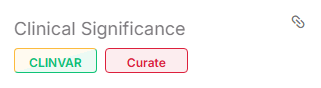
Figure 2. Curate pathogenicity badge in the Summary tab of the Variant page.
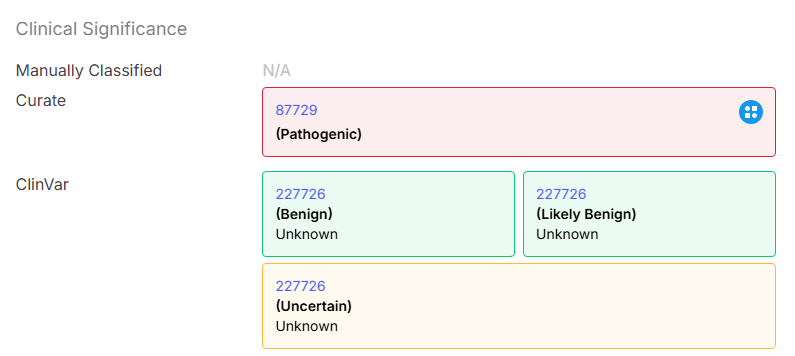
Figure 3. Curate symbol indicating curated pathogenicity in the Clinical Significance tab of the Variant page.
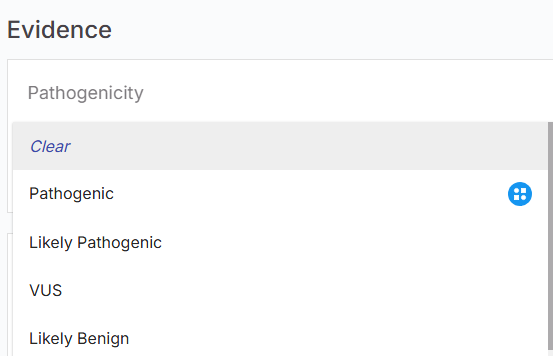
Figure 4. Curate symbol indicating curated pathogenicity in the Evidence tab of the Variant page.
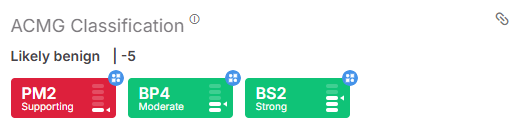
Figure 5. Curate symbols indicating curated ACMG tags in the Summary tab of the Variant page.
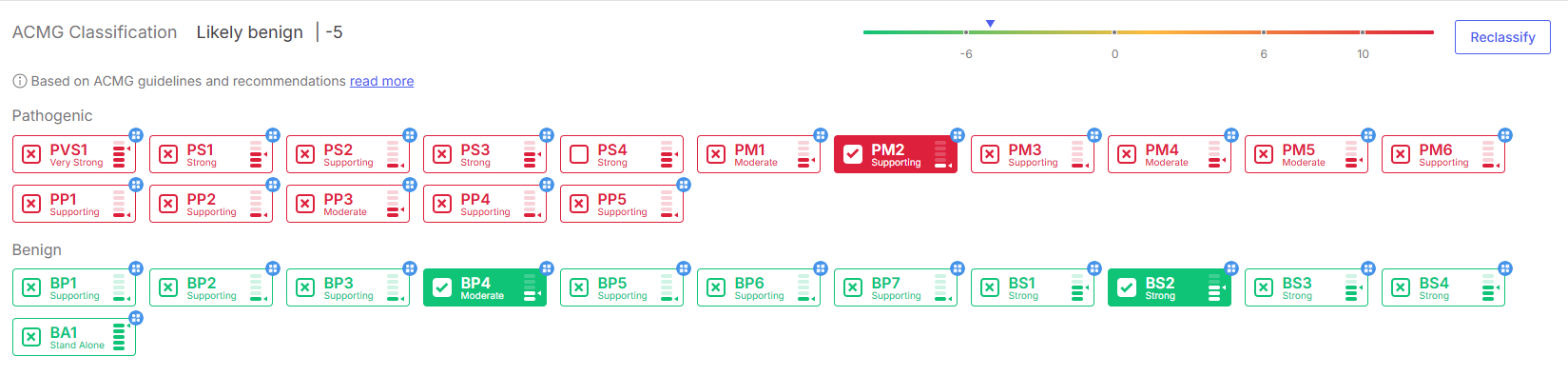
Figure 6. Curate symbols indicating curated ACMG criteria in the Evidence tab of the Variant page.
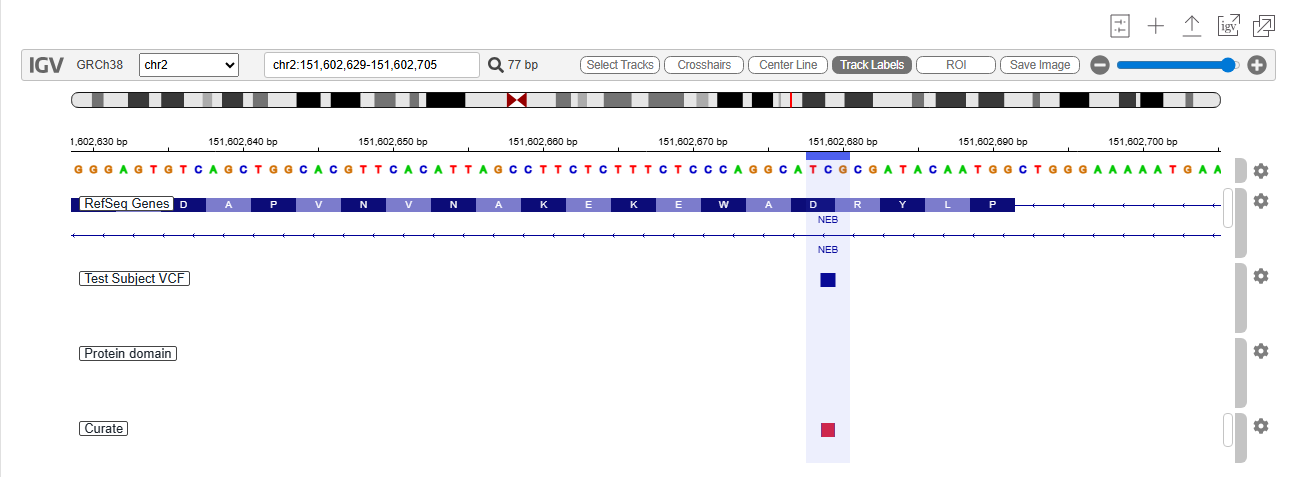
Figure 7. Curate visualisation track in the Visualization tab of the Variant page.
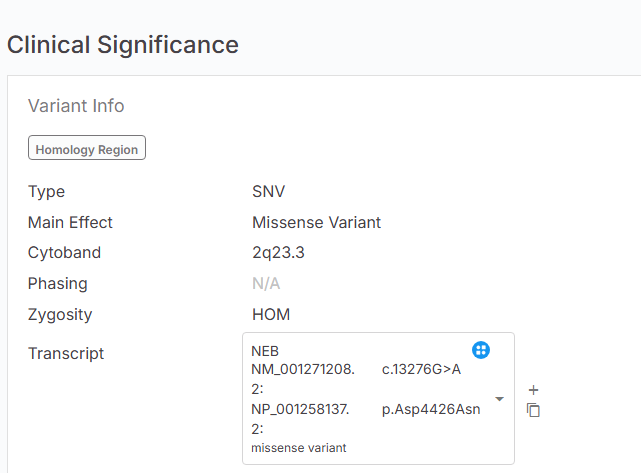
Figure 8. Curate symbol indicating the selected transcript in the Clinical Significance tab of the Variant page.